Features
Multiple accounts per harness
Add a personal account alongside a work seat, or a handful of Codex plans, and pick which one each pane runs as. Shipped in AgentGrid v2.9.4.
 AgentGrid
In this story
One login per harness means one limit for every pane on it. Hit your session cap on Claude Code and every worker waits for the reset clock — even if a second license is signed in and sitting idle right next to it.
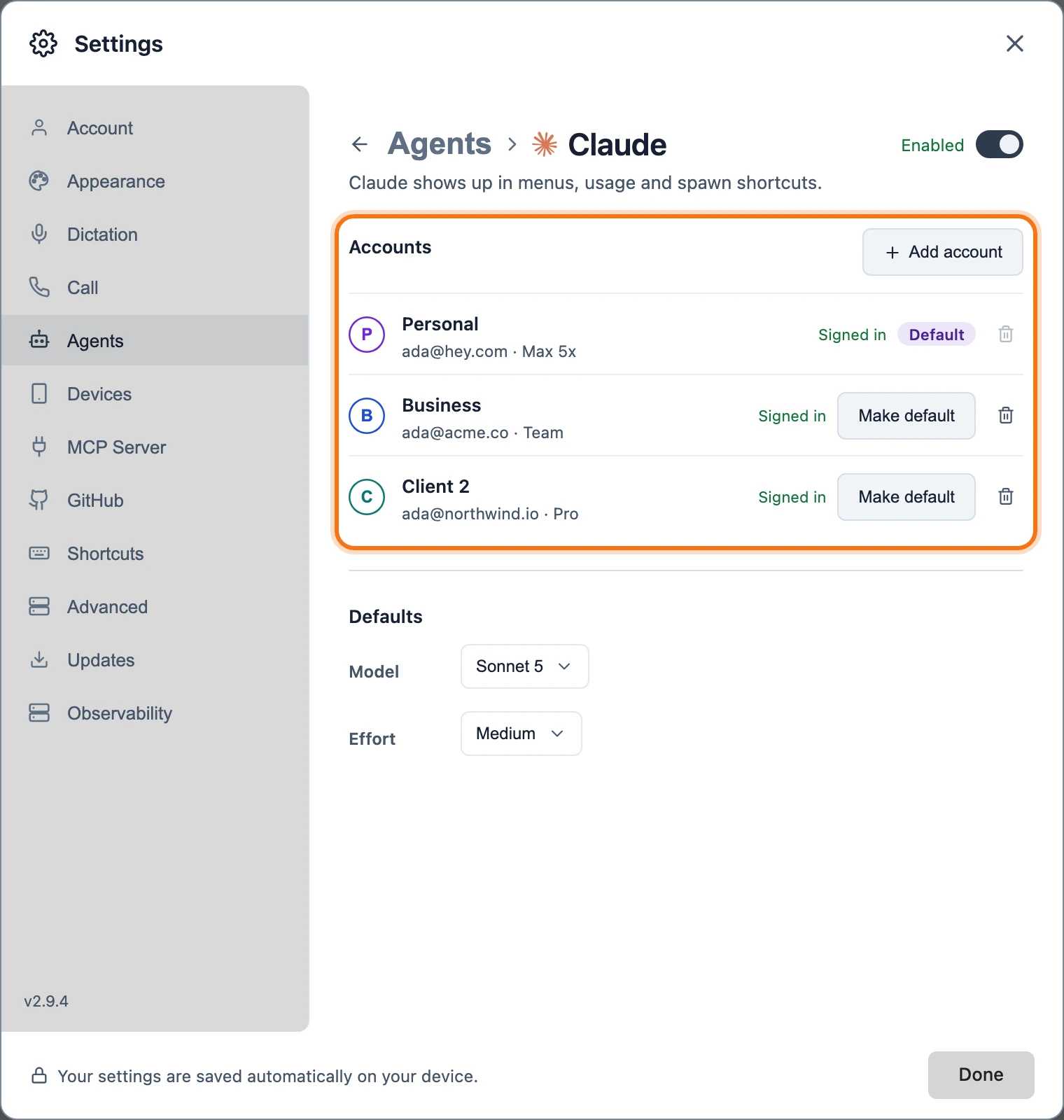
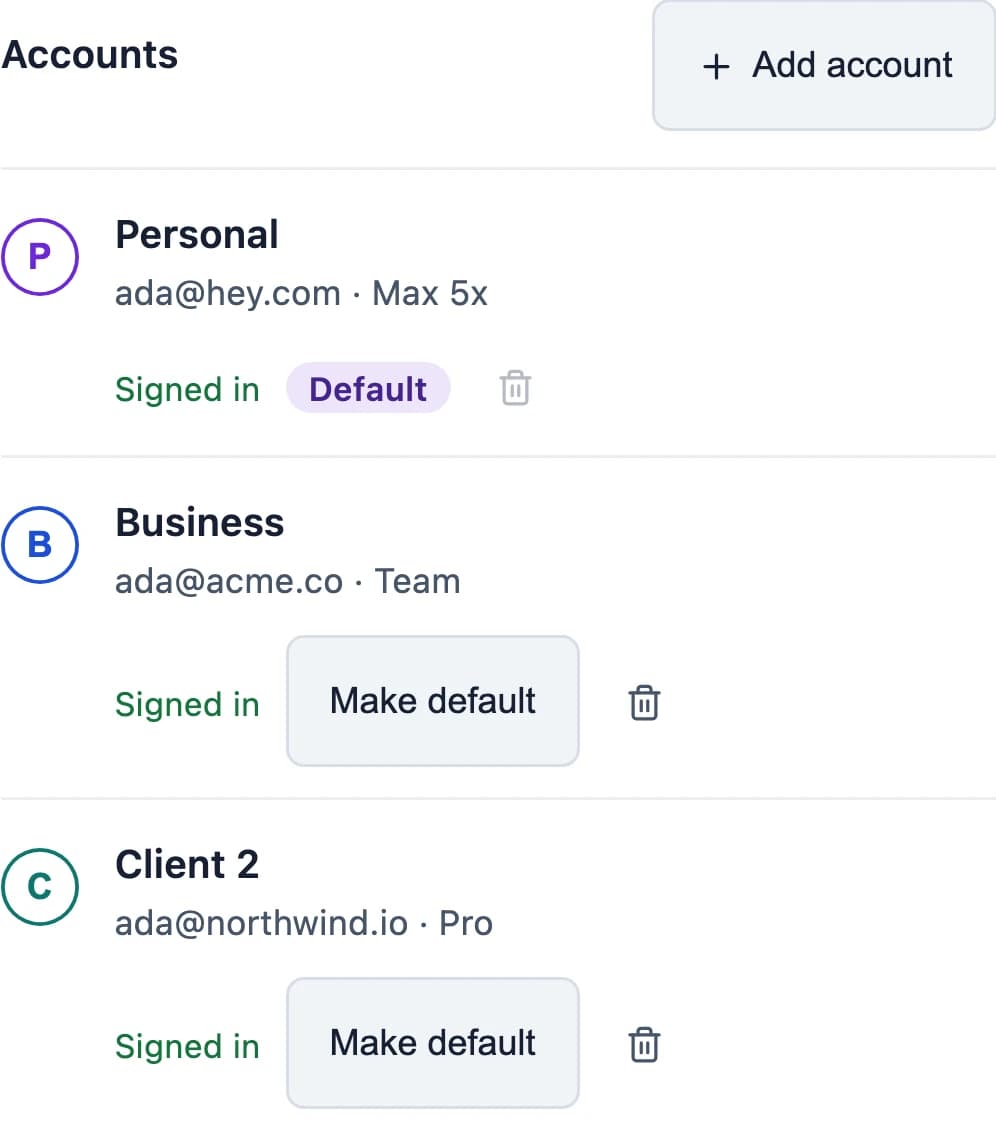
Claude Code and Codex can now each hold more than one signed-in account at a time. A personal subscription, a work seat and a client's Team plan sit side by side, and every team lead and worker pane in the desktop app's GUI — running on this machine — picks which one it runs as.
Why more than one account
The reasons to add a second account are the reasons one account was never going to be enough.
- 👤 Personal and work. Your own Claude subscription and a work or client Team seat stay signed in together, each on its own quota.
- 🔁 Several Codex plans. Add as many Codex accounts as you have plans for and choose per pane.
- 🚦 Not every pane stops. When one account hits its session cap, panes running on a different account keep going.
Each pane picks its account
Every team lead and worker pane running on this machine, in the desktop app's GUI, has a Run as control in its model picker footer once its harness has more than one account — a terminal team lead doesn't have a model picker footer, and a pane connected to a remote machine doesn't get one either. Opening Run as lists every account by its monogram letter, so you can tell them apart at a glance — and once a harness has a second account, that same letter shows up next to the harness icon in the explorer, so you know which account a pane runs on without opening the picker.
An added account that signs out shows disabled in Run as until it signs back in. Your original login is the one exception: it stays selectable no matter what, because it authenticates through the harness's own environment or config instead.
Each account gets its own home
Each added account gets its own home on disk, something like ~/.agent-grid/accounts/claude-a1b2c3d4 — the harness name and a short id. That home starts by mirroring the shared, non-credential parts of your default home — skills, hooks, rules and the like — so they still apply. Credentials and session history stay separate per account, and so does anything outside that shared set — an MCP server you added with claude mcp add -s user, for instance, won't be there yet on a new account.
This is Claude Code and Codex only — the two harnesses AgentGrid currently supports more than one account for.
 Claude Code
 Codex
Codex
When one account hits its limit
The usage popover shows one row per account, each with its own percent-used meter and reset time. When an account is limited and a sibling account on the same harness still has room, its row offers a one-click link to switch to that account. That changes which account new panes on that harness default to — it doesn't move a pane that's already running; that pane keeps going on the account it started with until you switch it yourself with Run as.
Switching with Run as only takes effect on that pane's next turn — it doesn't retry the one that just hit the limit. A pane can't switch mid-turn either: its Run as control locks while a turn is running, and an attempted switch is refused until that turn finishes. Automatically continuing right after a switch is an open idea, not something AgentGrid does yet (issue #1290).
Try it
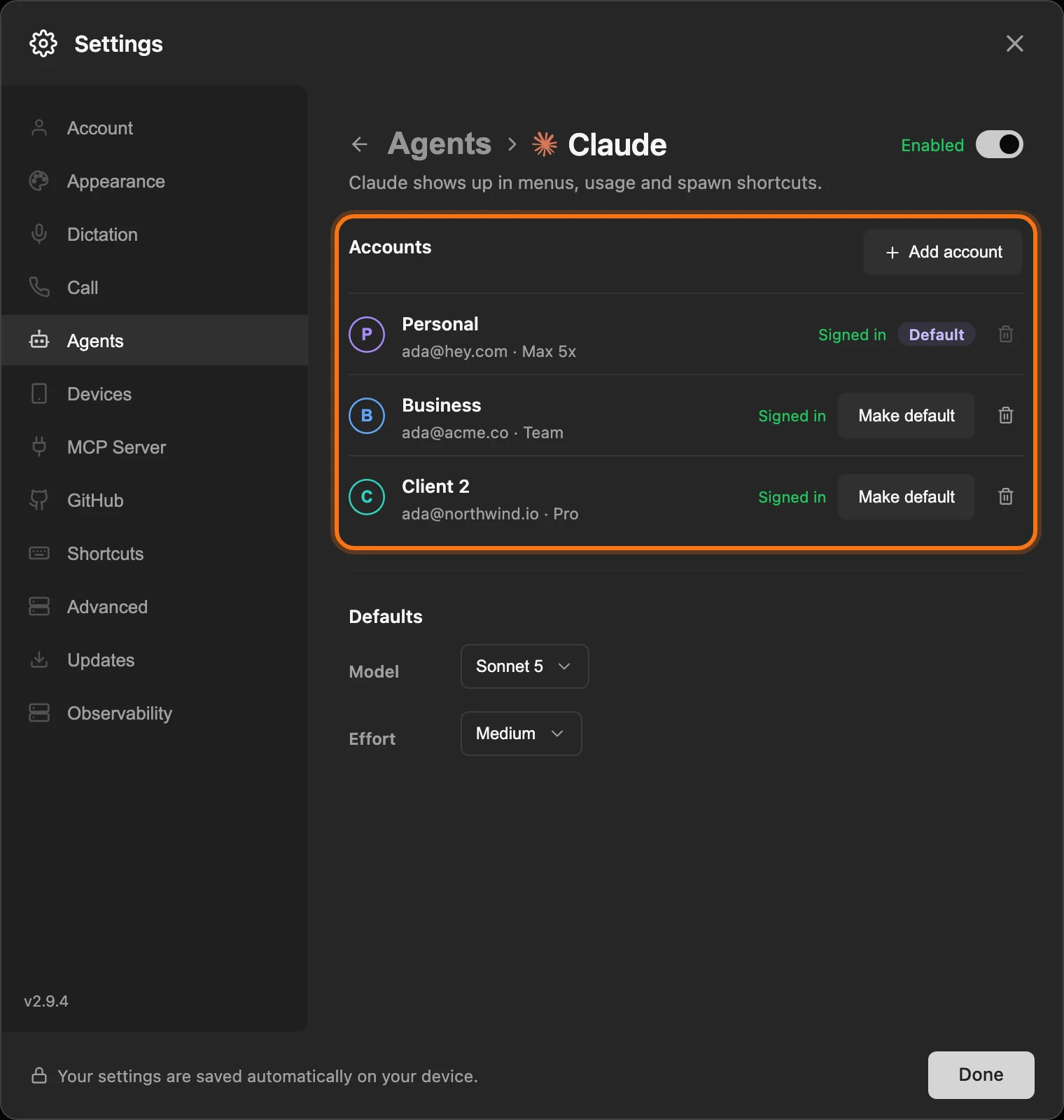
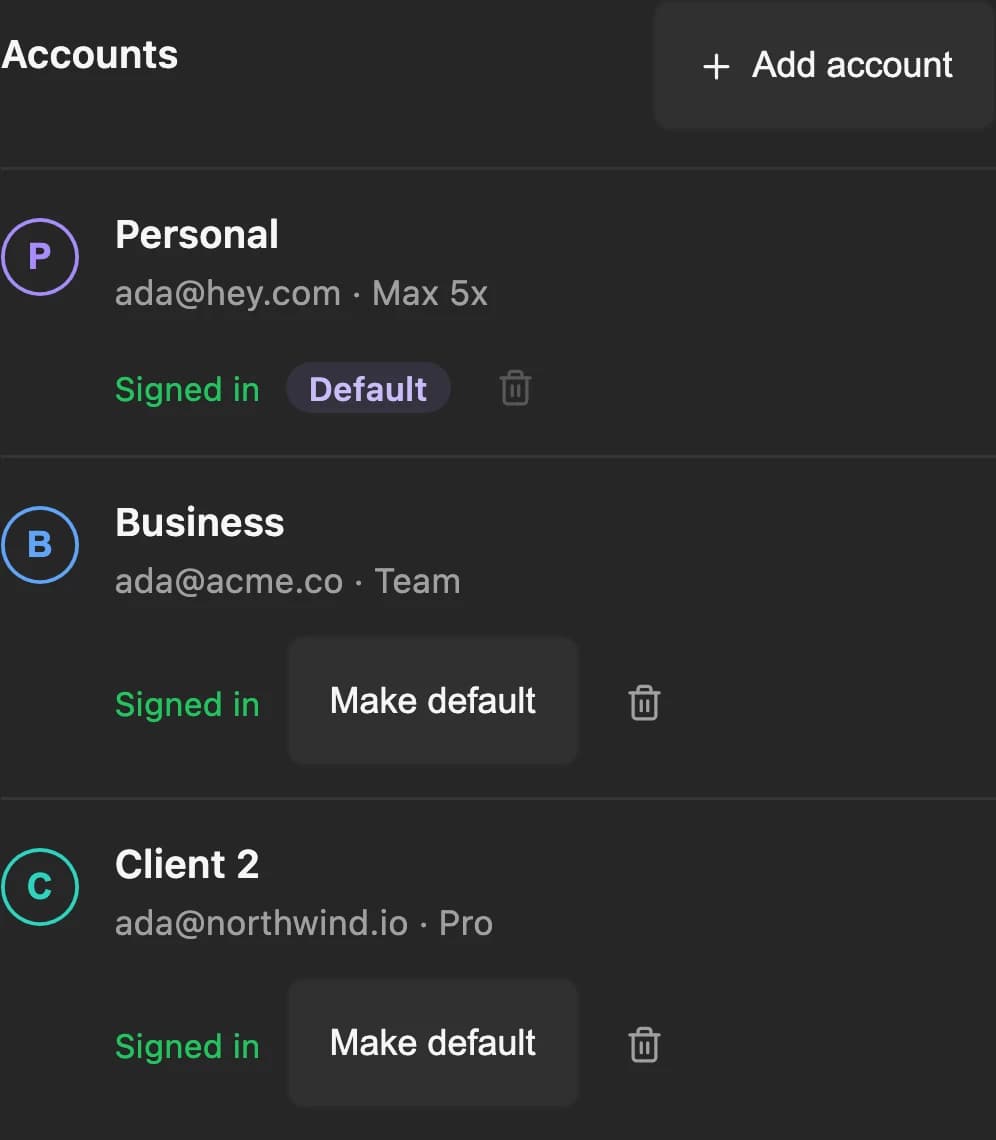
- 🧩 Add a second account. Settings → Agents → Claude or Codex → Accounts → Add account.
- 🎛️ Open the picker. Click the harness and model control in a GUI pane's footer.
- 👤 Choose Run as. Pick which account that pane runs on.
- 📊 Check usage. Open the usage popover to see every account's limit and reset time.
The full guide covers adding an account, picking one per pane, and what each limit message means.