Multiple accounts per harness
Add a second Claude or Codex account, choose which one each pane runs as, and know what happens when one of them hits a limit.
In this guide
One login per harness means one session limit for every agent on it. Claude Code and Codex both support more than one signed-in account, so a personal subscription, a work seat and a client's Team plan can sit side by side — each pane picks which account it runs as, and nothing is swapped globally.
Add a second account
Open Settings -> Agents, choose Claude or Codex, and under Accounts choose Add account. The new account opens for renaming; give it a label such as "Business" or "Client 2" and complete its Sign in flow like you would for your first account.
Each row shows whether that account is Signed in or Signed out. One account per harness is the Default that new panes use; any other signed-in account can Make default — a signed-out account can't be made default until it signs in. An added account can be removed; your original CLI login can't be removed from AgentGrid — sign out from that harness's own CLI instead.
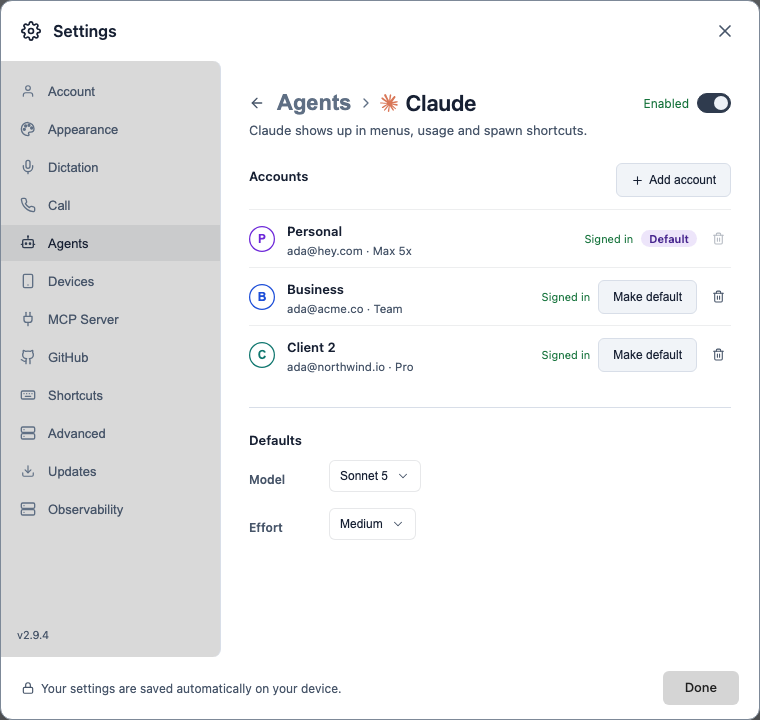
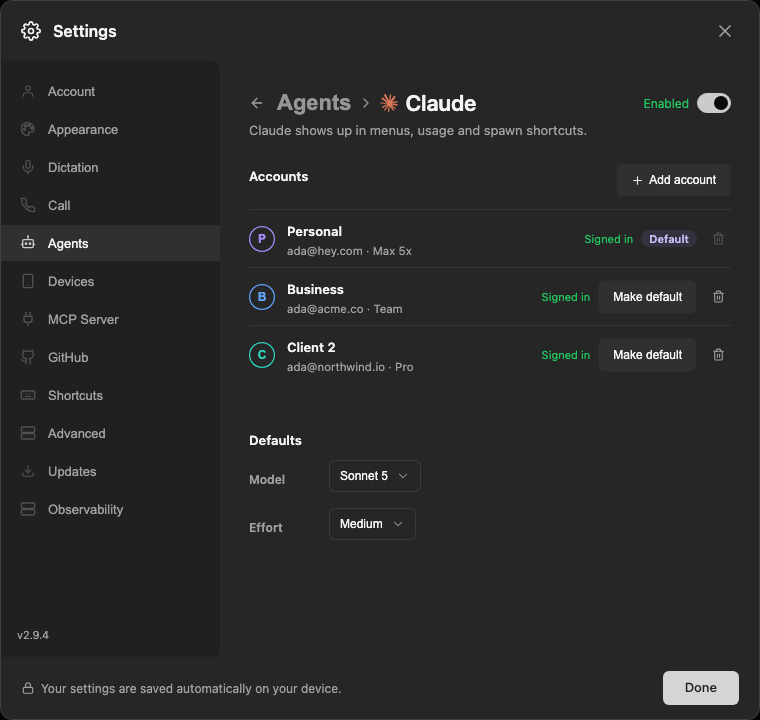
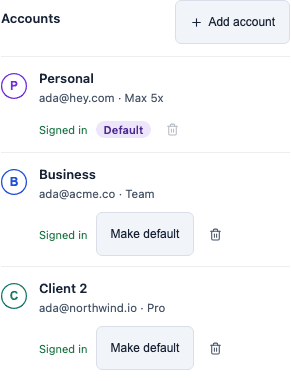
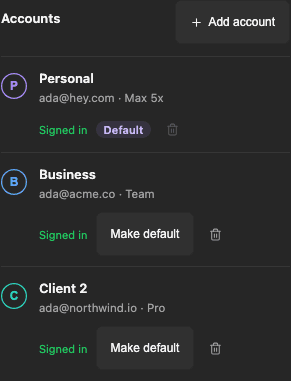
Settings -> Agents -> Claude. Each account shows its sign-in state, and one is the Default new panes use.
Screenshot by AgentGrid.Open full-resolution screenshotOpen full-resolution screenshotPick an account per pane
A harness with more than one account shows a Run as control in the model picker footer, for both worker panes and team-lead panes. Opening it lists every account on that harness with its monogram letter so you can tell them apart at a glance.
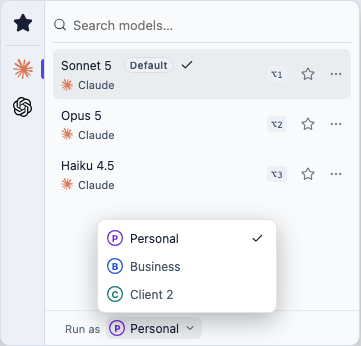
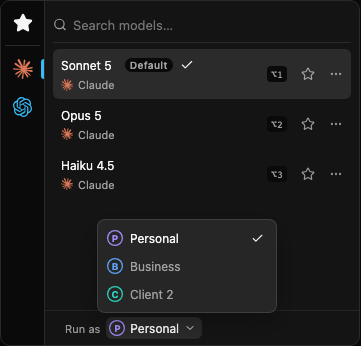
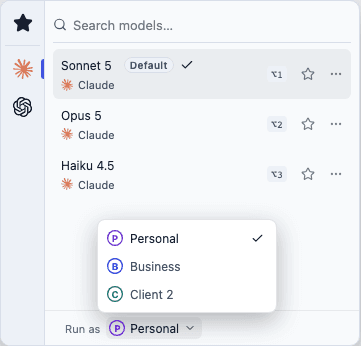
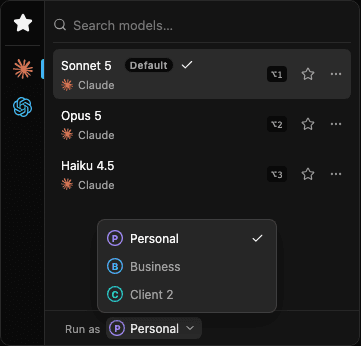
Run as in the model picker footer. The selected account's letter also shows in the workspace explorer.
Screenshot by AgentGrid.Open full-resolution screenshotOpen full-resolution screenshotOnce a harness has a second account, that letter also appears next to the harness icon in the workspace explorer, so you can see which account a pane runs as without opening the picker.
While a pane's turn is running, its Run as control shows locked, with "Finish this turn to switch accounts" next to it, and won't open. If a switch is attempted anyway, AgentGrid reports "Account switch refused. Finish this turn to switch accounts" — no action needed; wait for the turn to finish, then switch normally.
Where accounts live
Each added account gets its own home directory under ~/.agent-grid/accounts/<harness>-<id>. Your original login is never moved — it stays the harness's own default home (~/.claude or ~/.codex) and shows up as the Main account by default (renamed "Personal" in the screenshots on this page).
A pane that runs as an extra account launches with CLAUDE_CONFIG_DIR (Claude) or CODEX_HOME (Codex) pointed at that account's home, set only on that one pane's launch environment. A pane running as Main launches with no override at all. Nothing is written to a shared config file and nothing changes for panes running on other accounts.

Each pane runs as one account, and each account has its own home. The env var that points a pane at its account's home is set on that pane's launch only, never swapped globally.
Diagram by AgentGridA new account's home starts by mirroring the shared, non-credential parts of your default home — skills, hooks, rules and the like — so they still apply. Credentials and session history stay separate per account.
Sign-in and limits
The usage popover shows one section per account, each with its own percent-used meter and reset time. When an account is limited and a sibling account on the same harness still has room, that section offers a one-click switch to <account> →. This changes the harness's Default for new panes — it does not move a pane that's already running; switch an individual pane with Run as instead.
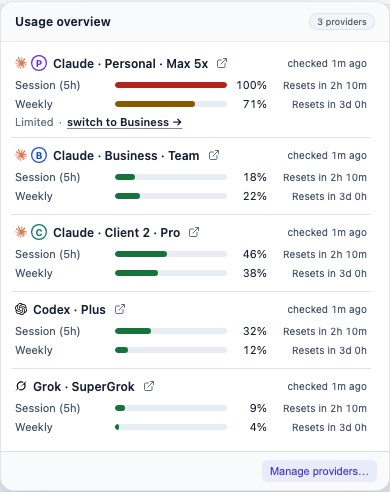
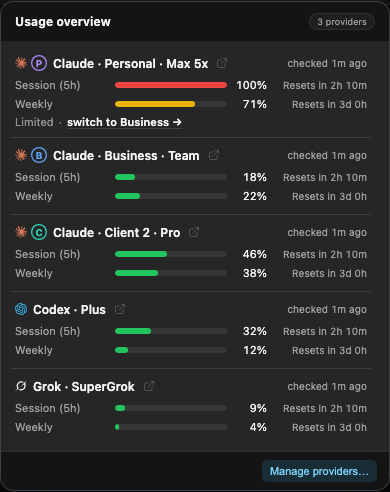
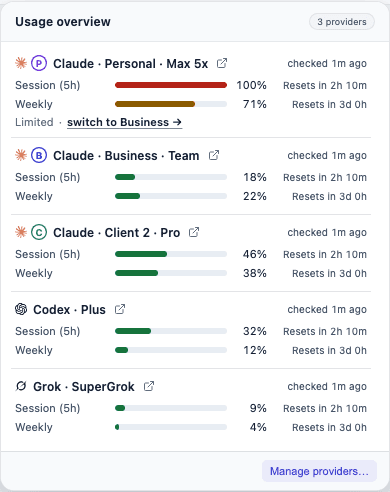
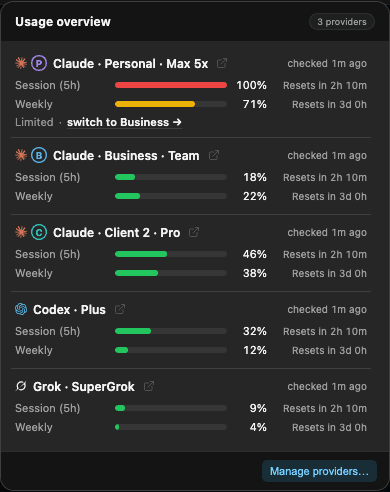
A limited account offers a one-click switch to a sibling account that still has room.
Screenshot by AgentGrid.Open full-resolution screenshotOpen full-resolution screenshotAn added account that's signed out shows Signed out and appears disabled in Run as — you can't select it until it signs in, and it can't be made Default either. Your Main login is the one exception: it stays selectable in Run as regardless of its CLI sign-in state, because it authenticates through the harness's own environment or config rather than through this gate.
Codex TUI environment gaps
If your ~/.codex/config.toml sets [shell_environment_policy] inherit = "core", that policy strips environment variables from every shell command a Codex terminal (TUI) team lead runs, including the ones AgentGrid itself injects for the current account and for commit attribution. The Codex process itself stays correctly isolated to its account; only commands it runs through that policy are affected. Two separate symptoms follow from it:
- A nested
codexcall loses the account. A command that itself callscodex(checkingcodex login status, say) doesn't inheritCODEX_HOME, so it falls back to reading your Main login instead of the pane's account — specific to a lead running on an extra account (#1859). - Commits lose AgentGrid's hooks and co-author trailer. The policy also strips the commit-hooks environment AgentGrid sets up, so a commit made by the lead is missing its AgentGrid trailer — this happens for any Codex TUI lead under that setting, not only one on an extra account (#1854).
Both issues are open with a proposed fix (pin the same override to the TUI launch args that the non-terminal path already uses) but no PR yet. Relaxing or removing inherit = "core" restores the normal environment to those commands, which avoids both.
Related
- Coding harness setup - install and sign in to a harness for the first time.
- Agents and workers - how a master chooses a harness and model for each worker.
- Account and billing - your AgentGrid account, which is separate from harness accounts.