Features
AgentGrid is on Google Play
Connect to your desktop agents from your Android phone. Open a conversation, send a message, and read the reply.
 AgentGrid
In this story
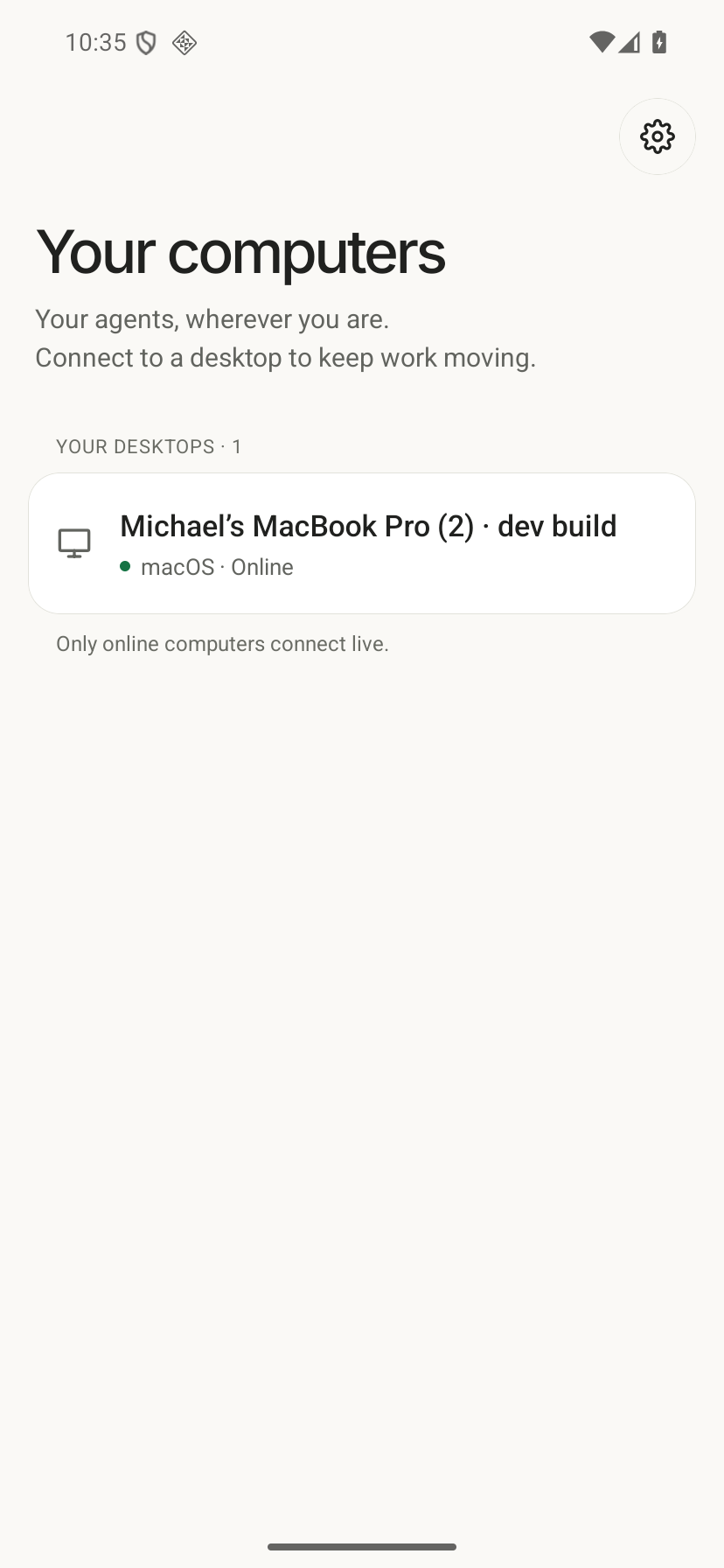
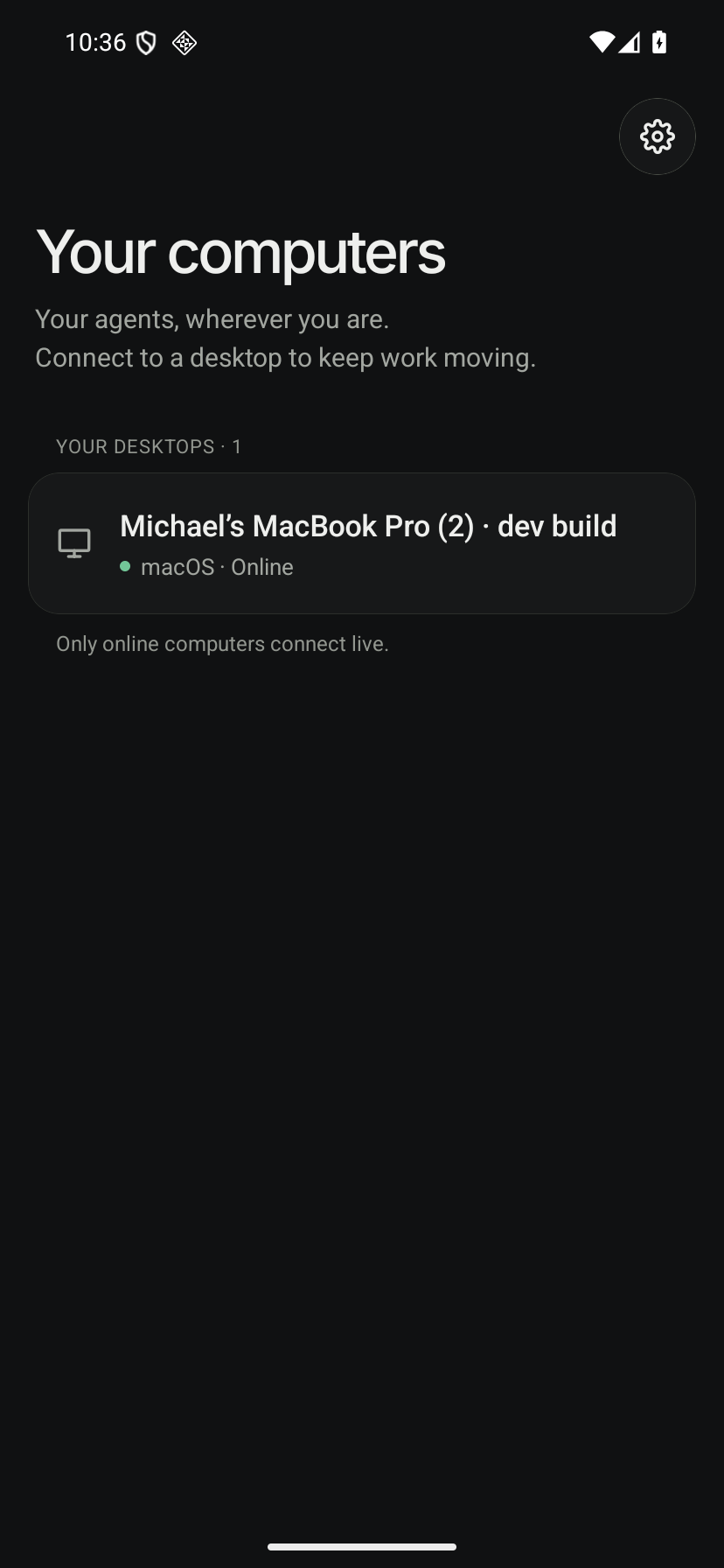
Android QA build showing the connected desktop. Keep AgentGrid running and online on your computer.
Open full-resolution screenshotOpen full-resolution screenshotAgentGrid is available on Google Play. The Android app is a remote control for AgentGrid on your computer. Your desktop runs the agents; the models do not run on your phone.
Choose an online computer
Connecting a new phone or computer requires AgentGrid Pro. See mobile setup and existing-device access.
Sign in with the same AgentGrid account on your phone and computer. Open an online computer to reach its projects and conversations. Keep AgentGrid running and the computer connected to the internet.
Keep the conversation going
Open an existing team chat, send a message, and read the reply in the same conversation.
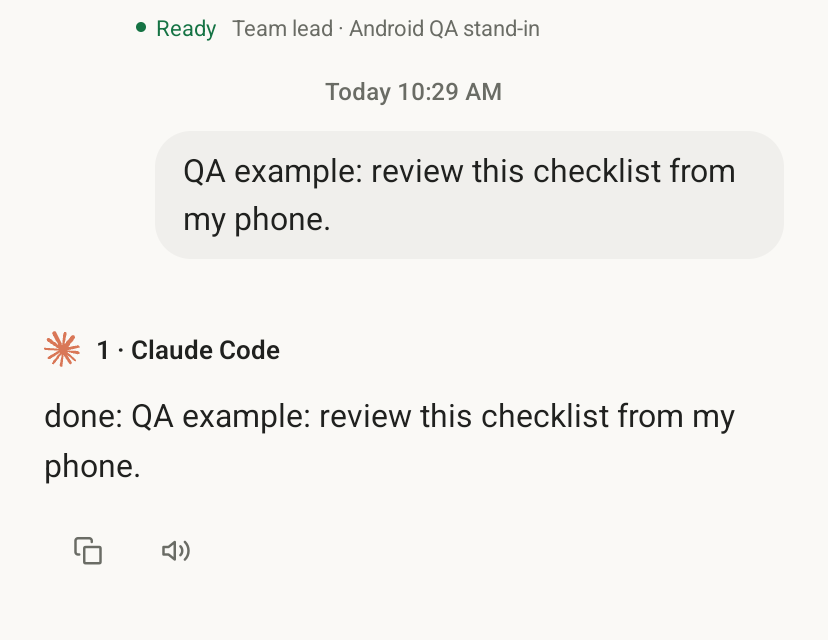
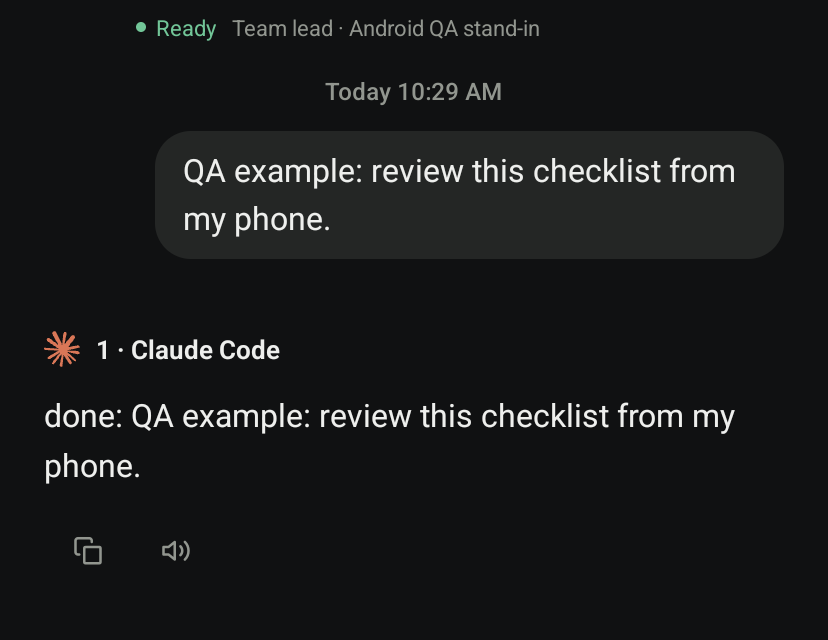
Android QA chat excerpt. The example reply comes from a stand-in CLI on the connected desktop.
Open full-resolution screenshotOpen full-resolution screenshotTry it
- 📱 Install the app. Get AgentGrid on Google Play.
- 💻 Connect your computer. Leave AgentGrid open and online, then sign in on your phone with the same account.
- 💬 Continue a chat. Open your computer, choose an existing conversation, and send a message.
Start with a conversation you already have open on your desktop.