Why Claude Code Forgets Your Plan—and How to Resume Reliably
Keep a short record of the work, then make the resumed agent check it against the project before continuing.
 AgentGrid
Conceptual motion, 35 seconds. Not a measured recovery and not a larger context window.
Read the transcriptIn this story
Prepared by AgentGrid with AI assistance. This is a proposed working method, not a guarantee of recall or a measured recovery experiment. Documentation checked October 6, 2026.
The frustrating part of a long coding session is often what happens after it resumes. An agent repeats a finished investigation, proposes a change you already rejected, or carries on from a summary that no longer matches the files.
Telling it to remember everything gives you no way to tell whether it did. A better handoff makes the next step and its constraints inspectable.
A conversation and a task record serve different purposes
Claude Code works within a context window. Anthropic describes managing that space through focused context and compaction; it also documents persistent project instructions and automatic memory. These mechanisms do not turn every previous exchange into permanent, verbatim working context. Context-management practices, Project memory
That distinction matters when the current state of a task is changing. A repository rule such as preserving public API compatibility is relatively stable. A statement such as the tests passed describes a particular revision and run. Putting both into an undifferentiated wall of instructions makes the changing part harder to trust.
Do not diagnose every mistake as forgetting, either. The request may be ambiguous, the files may have changed, or the agent may have misunderstood the rule from the start. Compare its proposed next action with the actual task before deciding what failed.
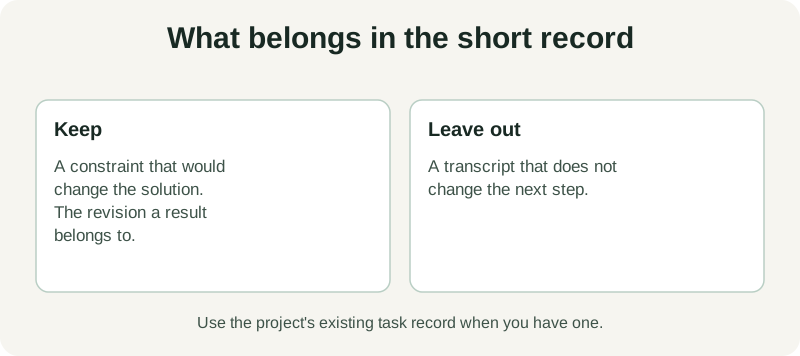
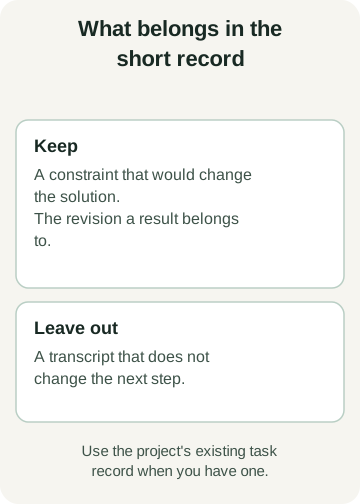
Save the smallest record that explains the next decision
Use the project's existing issue, task record or handoff file when possible. You do not need a new note for every interaction.
Objective
[The concrete behavior or result we are trying to achieve.]

Must preserve
[The few constraints whose loss would change the solution.]

Current state
[Branch/revision, relevant files and completed work.]

Evidence
[Commands actually run, results and where to inspect them.]

Open questions
[Unresolved findings and checks not yet performed.]

Next action
[One specific step, including what must be checked first.]
Imagine a proposed data-export change with an important constraint: existing CSV column order must remain unchanged. That belongs in the record. A long transcript about alternative button colors probably does not, unless one of those choices affects the next action.
Write the constraint where a reviewer can compare it with the output. If the work depends on an example file, link the file. If a check matters, record the command and revision rather than a vague assurance that everything worked.
Resume by reconciling, then acting
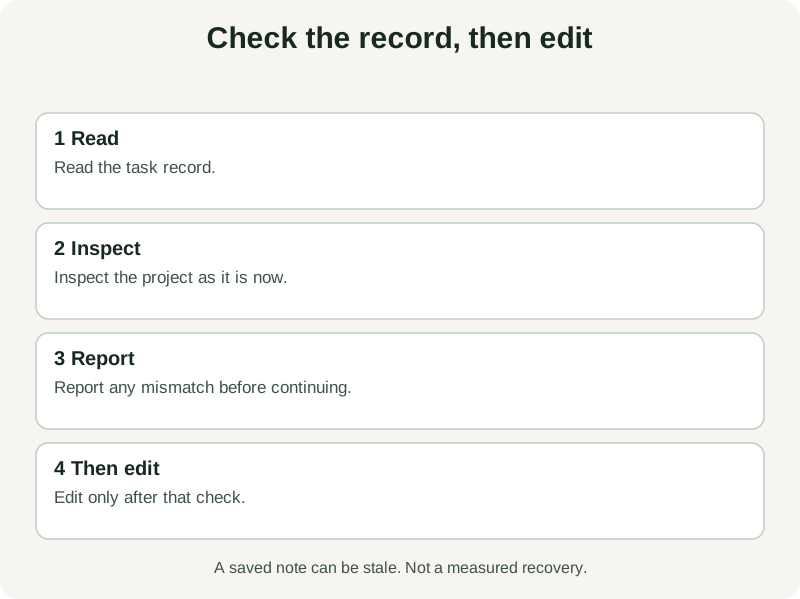
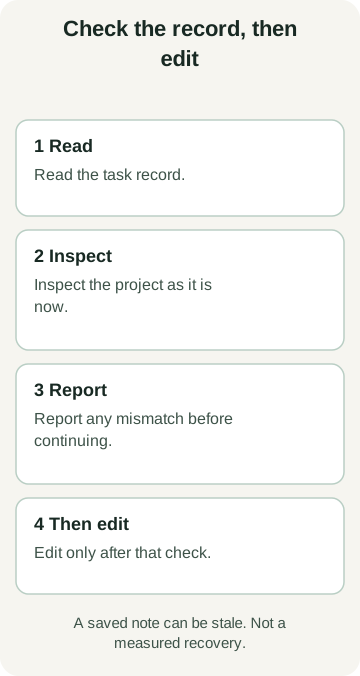
A checkpoint can become stale while the agent is away. Another person may merge a change, a test may fail in a different environment, or the branch may move.
Use a restart request that makes reconciliation the first task:
Read the current task record and inspect the project's present state.

Before editing, report:
1. The outcome we are working toward.
2. The constraints the next change must preserve.
3. Which recorded evidence still applies to this revision.
4. Any mismatch between the record and the files.
5. The next bounded action and how you will verify it.

Resolve material mismatches before continuing. Do not report a check
as passed unless you can identify the result that supports it.
The response is useful because you can inspect it. If the agent omits the CSV-order constraint, correct that before it rewrites the exporter. If it claims tests passed without a corresponding result, treat those checks as unverified.
Keep persistent instructions focused
Anthropic distinguishes project instructions from memory that Claude maintains, including their loading and scope. Use the documented mechanism that matches the information, and check which files your session actually loads. How Claude remembers your project
Our editorial recommendation is to keep stable conventions in the repository's established instruction files and changing task status in its existing work record. Link detailed evidence rather than copying every log into either place. This makes maintenance a smaller job: update the task record when its state changes, and update the general rules when the project convention changes.
A file does not force the model to obey it. The continued checks are what make the method useful.
Test the handoff on a bounded task
Before relying on this for an important change, try a small task with one distinctive constraint. Record its state, pause at a known point and resume. Check whether the agent identifies the constraint, recognizes completed work and chooses the correct next step.
Keep failures in the record. If it repeats work, ask whether the evidence was discoverable. If it follows an outdated direction, improve the revision reference. This is a way to evaluate your handoff, not proof that the next session will be flawless.
AgentGrid can keep the relevant agent panes and project work together, and its orchestration tools support inspecting and reusing workers. It does not make the model's context unlimited. AgentGrid orchestration
For planning the task itself, use the separate Plan Mode story. For continuing it, begin with a short record and a verification step. Download AgentGrid if you want to keep that task record beside the agents carrying out the work.