Muse vs. Grok Bot: Which Fits the Work You Want to Delegate?
The practical differences in organization, automation, access and control—and a way to test which one earns its place.
In this story
Based on official documentation checked September 16, 2026. We have not run a hands-on comparison. Recommendations below are editorial judgments about the documented designs, not measured performance results.
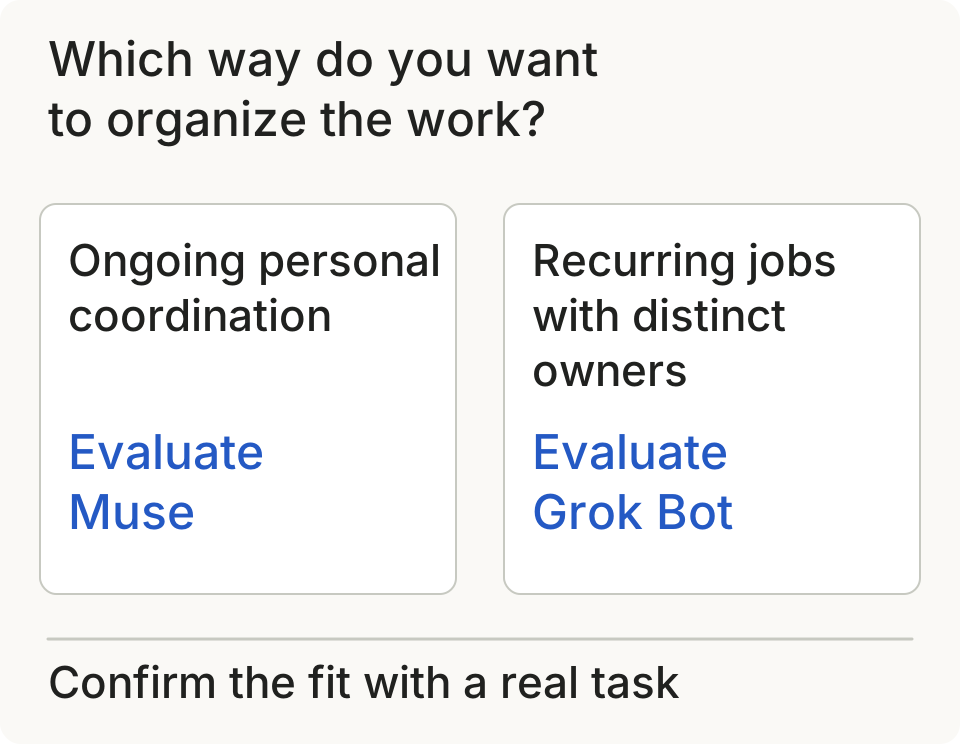
If you want help keeping track of several parts of your life, Meta's Muse personal agent is the more natural starting point to evaluate. If you already have recurring jobs with clear owners and deliverables, start by evaluating Grok Bot. That is our reading of their product designs: Muse centers an ongoing personal assistant; Grok Bot makes persistent, named roles a central part of the interface. Muse design, Grok Bot roles.
Neither description tells you which will finish your work more reliably. For that, you need to test your actual tools and the exceptions your work contains.
The differences at a glance
| Decision | Muse | Grok Bot |
|---|---|---|
| How you organize work | Main conversation, side chats and a Goals view | Named Bots with separate conversations and working context |
| How context persists | Memory files you can read and edit | Role-specific memory and context, with shared files and handoffs |
| Recurring work | Background activity on schedules and relevant events | Saved skills plus routines owned by a Bot |
| Computer access | Dedicated cloud computer per user; browser, files and terminal | Cloud computer assigned to your account and shared by your Bots |
| Ways to use it | Web, iOS and Android | Desktop apps for macOS, Windows and Linux, plus iOS and Android |
| First thing to establish | Whether its personal-assistant workflow fits your needs | Whether your jobs benefit from persistent, separate owners |
Sources: Muse product design, Muse architecture, Grok overview, Grok roles, skills and routines. The final row is our recommendation.
Choose the way you want to manage the work
Muse puts personal continuity at the center: an ongoing conversation, adjustable proactive messages and a place to track goals. Our inference is that this arrangement may suit someone whose tasks overlap and who wants one place to return to. How We Designed Muse.
Grok Bot makes ownership explicit. You can give a Bot a lasting job, keep its instructions in its profile and use group conversations for handoffs. That makes it worth evaluating for responsibilities such as a weekly reporting process or a standing research brief. Separate roles are useful when their instructions stay meaningfully different. Creating five Bots for one small task may simply give you five things to supervise. Create and manage Bots.
This is an interface choice, not evidence that only one product can delegate internally. Meta documents concurrent subagents in Muse, too. Muse architecture.
Both can work in the background. Test the second run.
Background operation is documented for both products. Muse describes continued work on goals while the app is closed. Grok Bot describes work continuing on its cloud computer after you close your laptop. Muse design, Grok overview.
Grok's documentation gives a particularly concrete automation sequence: complete a task, save its procedure as a skill, then create a scheduled or supported event-triggered routine. Demonstration-based teaching is also documented, with a rollout caveat: the control may not be available to everyone. Skills and routines.
The useful question is what happens on the next run. Does it find this week's inputs? Does it remember a correction? If a file is missing, does it report that or quietly reuse last week's numbers? A successful demonstration cannot answer those questions. Put them into your trial before making a process unattended.

Separate Bots do not mean separate access
Grok's Bots share the files and browser sign-ins on the computer assigned to your account. A Bot named Finance and one named Research are not isolated workspaces. That can make handoffs convenient, but names and job descriptions should not be mistaken for access controls. Grok approvals and privacy.

Meta describes Muse's agent operating inside an isolated runtime, with actual credentials kept outside that runtime and an independent Sentinel controlling permissions for external interactions. These are documented architectural choices; they do not establish a comparative safety winner. How We Built Safety Into Muse.
Grok documents action approvals and configurable Auto Review. Its Enterprise controls include enforcing Auto Review and setting team rules. The vendor also states that the review does not cover every side effect. Grok Bot security.
For your trial, choose a specific boundary—prepare a report, for example, but stop before emailing it. Check whether that boundary is understandable in the settings and respected in the run. Compare the permission you actually grant, the action it proposes and the record it leaves behind.
Access and cost: check what you already have
Grok Bot: Cursor's dedicated billing page lists access through paid individual Cursor plans and Cursor Teams, or by linking qualifying individual SuperGrok or X Premium+ subscriptions. Included usage resets weekly; extra work can incur on-demand charges when enabled. Cursor and linked subscription allowances do not stack. If you already qualify, check your existing account before buying another subscription. Plans and billing.
There is a documentation mismatch: the older getting-started page lists a narrower set of eligible plans. The dedicated billing page is the basis for the summary above; confirm your account's plan screen before purchasing. Getting started, billing guidance.
Muse: We could not verify a current public price, regional eligibility list or included usage allowance from the official material reviewed. Its terms allow free periods, subscriptions and additional paid usage, but do not establish the offer available to you. Check the signup offer for your account. We cannot name a cheaper option from this evidence. Muse terms.
For setup, Grok documents installing an app, signing in, defining a Bot's job and connecting the relevant services or taking over its browser to authenticate. Existing access to a tool does not mean the Bot is already connected to it. Grok setup.
A trial that gives you an answer
Use the same bounded assignment in both products. Here is a suggested evaluation, not a test we have performed:
Using these project notes and the current task list, prepare Friday's status report. Link each update to its source. Separate completed work, blockers and decisions needed. Flag missing or contradictory information. Save a draft for review; do not send messages or change the task list.
A suggested trial for either product
- Run the task
- Give one correction
- Repeat with new inputs
- Compare the results
| Correctness | |
|---|---|
| Your effort | |
| Continuity | |
| Control | |
| Cost |
A suggested evaluation method, not a test we have performed. Include setup and repair time when comparing results.
Original editorial evaluation method; no vendor endorsement implied.
Then introduce one correction and repeat with the next set of inputs. Record:
- Correctness: Which claims are wrong, unsupported or missing?
- Your effort: How many minutes did setup, clarification and repair take?
- Continuity: Did the second run retain the correction without repeating it?
- Control: Did it stop where requested and explain any blocked step?
- Cost: What usage did the full job consume, including retries?
Count your time repairing the result. An impressive first response can still be an expensive way to produce a report.
Which should you try first?
Our recommendation is to evaluate Muse first for ongoing personal coordination, and Grok Bot first for recurring work with distinct roles and handoffs. That recommendation follows the documented organization of each product, not a claim about model superiority.
If you already have Grok Bot access, check your remaining allowance and on-demand billing settings, then scope a test within that allowance before buying another subscription. Included access does not mean unlimited usage. Grok Bot billing. If access separation between jobs is essential, resolve that requirement before adopting a shared Bot roster. If you need evidence of reliability, neither vendor's feature list substitutes for the repeated trial above.
Choose the product that completes a useful job with an amount of supervision you can live with. The second run will tell you more than the number of agents on the screen.